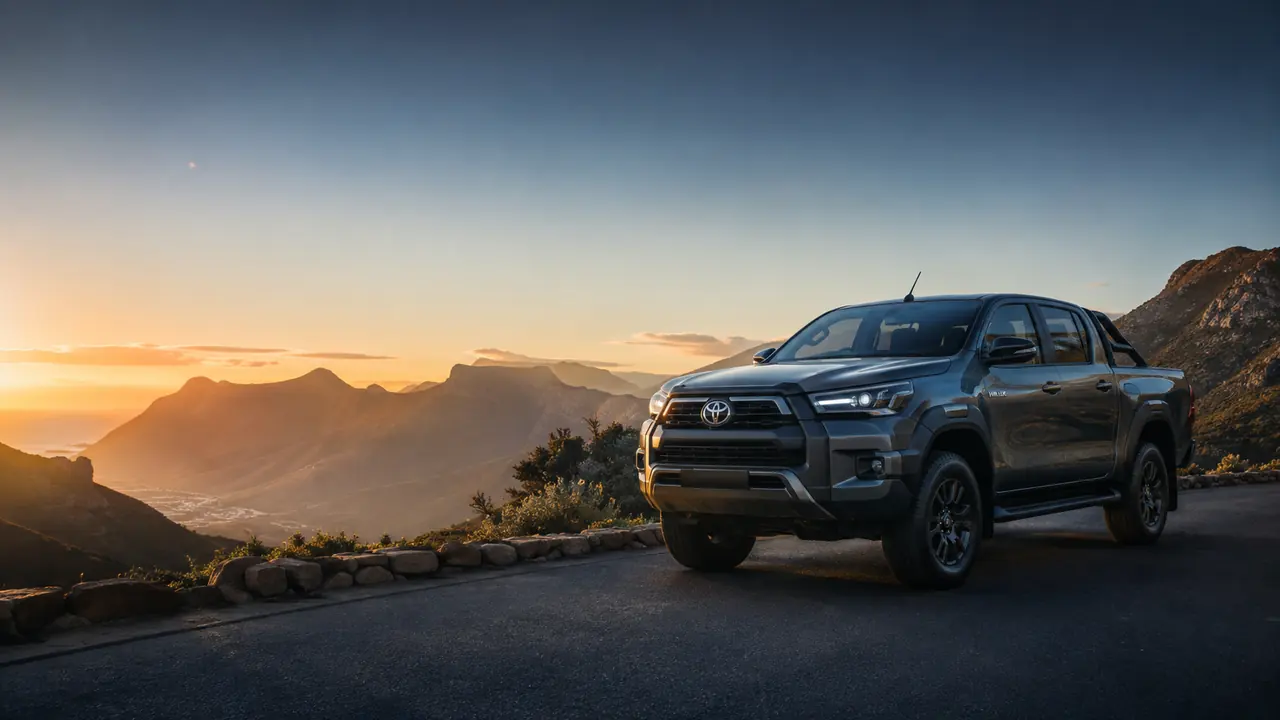
Toyota Hilux overlooking a South African mountain landscape

South African vehicle marketplace

Buy. Sell. Bid.
Change cars with clarity.

Browse available vehicles without an account, submit your Toyota for review, or join dealer-only auctions through an approved dealership account.

No account needed to browse Dealerships are reviewed before bidding Dealer bids remain private
2

Vehicles available

0

Dealer auctions live now

Choose the right starting point

What would you like to do?

You can explore the marketplace as a guest. Create the account that matches you when you are ready to see the full workflow, sell, or bid.

For buyers

Find your next vehicle

Search current stock by make, model, year, price, mileage, location, fuel type, and transmission.

  • Browse listings, prices, specifications, and public photos without signing in.
  • Create an individual account to access the complete vehicle workspace.
  • Public browsing does not include dealer auction bidding.
Browse available vehicles

For private sellers

Submit your Toyota

The current seller route supports Toyota Hilux, Land Cruiser, and Prado models from 2015 onward.

  • Have your VIN, registration, mileage, colour, desired price, and vehicle location ready.
  • Upload nine clear core photos, plus damage photos when applicable.
  • Confirm ownership or authority to sell and disclose known damage.
Create an individual account

For dealerships

Bid in live auctions

Dealer bidding is available only to verified, approved, and active dealership accounts.

  • Provide a company name and company registration number when registering.
  • Verify your email and wait for dealership approval before entering the workspace.
  • Place up to three bids per vehicle in each auction round.
Apply as a dealership
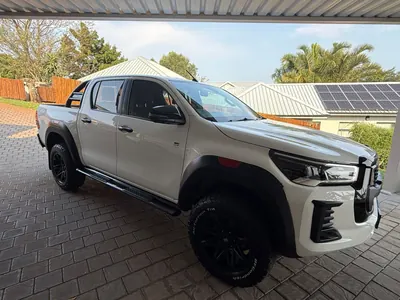
How selling works

From your driveway to review.

Your submission stays in your account while the Car Change team verifies the vehicle information and prepares the next step.

  1. 01

    Add vehicle details

    Choose the eligible model, year, and variant, then add the VIN, registration, condition, price, and location.

  2. 02

    Complete the photo guide

    Upload all nine required angles. Add supporting damage photos when you have declared known damage.

  3. 03

    Submit for review

    We verify the vehicle details. Your account shows whether it is under review, needs changes, is approved, or was not accepted.

Dealer auction essentials

Know the rules before you bid.

Auctions use defined opening and closing times. The bidding view tells approved dealerships the minimum next bid without revealing competitors' amounts or identities.

Create a dealership account

Approval comes first

Email verification and an approved, active dealership profile are required before bidding.

Three bids per round

The first bid must meet the listed price. Later bids must meet the minimum next amount shown.

Closing time can move

When enabled for an auction, a valid late bid may automatically extend the closing time.

Highest does not mean automatic

After bidding closes, the result awaits review. The highest bid may be accepted or rejected.

Contact us

Still have a question?

Tell us what you need help with and the Car Change team will get back to you.

The right route

Ask about buying, an existing seller submission, dealership approval, or an auction.

Your details stay internal

We use the information you provide only to review and respond to your enquiry.

Maximum 2,000 characters

Please do not include passwords or payment details.

Ready when you are

Start with the path that fits you.

Browse as a guest, register as an individual, or apply for a dealership account.